AI & everyday tech · Free course

ChatGPT for seniors and beginners, in 30 minutes

A free course for complete beginners at any age. Six short lessons, read right here: what ChatGPT is, how to start safely, your first conversation, getting better answers, staying private, and ten things to try this week.

  • Free, no sign-up to read
  • 6 lessons · about 30 minutes
  • Works with Claude, Gemini and Copilot too
  • Free PDF and cheat sheet
FreeRead it here · the PDF by email Get the free PDFRead online

No account needed to read Phone, tablet or computer Your email is only used for your library

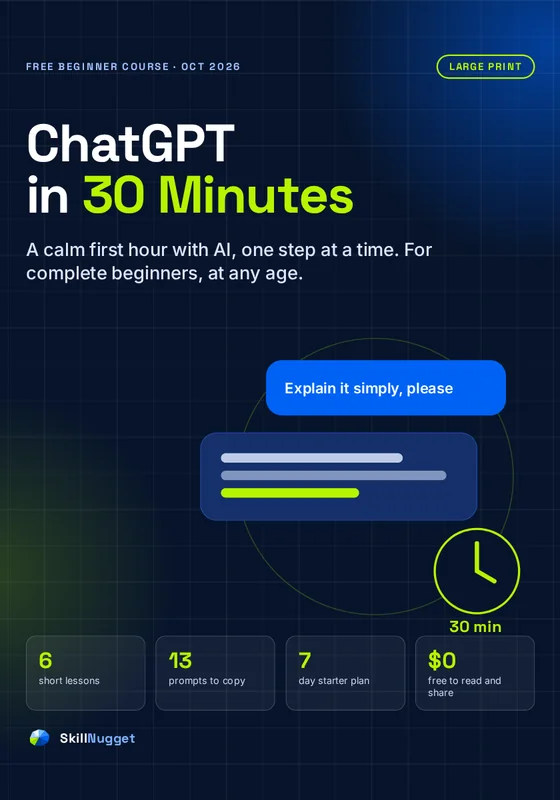
Cover of ChatGPT in 30 Minutes

Lesson 1 · 4 minutes

What ChatGPT is, in plain English

No jargon, no hype: what it does well, what it gets wrong, and why people find it so useful.

ChatGPT is a program you can talk to in ordinary language. You type (or say) a question or a request, and it writes an answer back in a few seconds, like texting with a very well-read assistant.

What it's good at

  • Writing: letters, emails, cards, messages, in any tone and length.
  • Explaining: anything from "what is a mortgage offset?" to "how do bees survive winter?", as simply as you like.
  • Organizing: turning a jumble of notes into a list, a plan, a timetable or a table.
  • Brainstorming: gift ideas, dinner ideas, names, things to do on a rainy day.

What it gets wrong

ChatGPT predicts words based on huge amounts of text it learned from. It doesn't "know" things the way a person does, and it can state something false with total confidence. It can also be out of date. So it's a brilliant helper and a poor oracle: use it to draft, explain and organize, and check anything important such as dates, money, health or rules.

Is it the only one?

No. ChatGPT (made by OpenAI) is the best known, but Claude (Anthropic), Gemini (Google) and Microsoft Copilot work in a very similar way. Everything in this course works with all of them. We use ChatGPT for the examples because it's the one most people try first.

The one idea to remember

Talk to it like a capable new assistant who's never met you: give it the details of your situation, and you'll get an answer that fits your life.
Lesson 2 · 5 minutes

Getting started safely

Where to find the real ChatGPT, whether you need an account, and what it costs.

Step 1: Go to the real website or app

  • On a computer: type chatgpt.com into your web browser's address bar. Type it yourself rather than clicking an ad.
  • On a phone or tablet: open the App Store (iPhone, iPad) or Google Play (Android) and search for ChatGPT. Check that the developer is OpenAI before you install.
Beware of look-alikes

App stores and search results contain copycat "AI chat" apps, some of which charge expensive subscriptions. The real ChatGPT app is made by OpenAI. If an app asks you to pay before you've even tried it, close it.

Step 2: Decide whether to sign in

You can try ChatGPT on the website without an account. Signing up (free) lets it keep your conversation history so you can come back to them, and it unlocks more features. You can sign up with an email address, or with an existing Google, Microsoft or Apple account.

Step 3: Know what's free

The free plan is plenty for everything in this course. It has daily usage limits; if you hit one, you can simply come back later. Paid plans add more use and newer features. When we checked in October 2026, OpenAI's standard paid plan in the US cost $20 a month, with cheaper and more expensive options too. Prices vary by country and change, so check the pricing on chatgpt.com before paying for anything.

Step 4: Find your way around

Illustration only. The real screen looks similar but changes with updates.

  • The message box at the bottom is where you type. Press Enter, or tap the arrow, to send.
  • New chat (often a pencil icon) starts a fresh conversation. Use a new chat for each new topic.
  • The microphone lets you speak instead of typing, on most phones and computers.
  • The menu or sidebar shows your past conversations if you're signed in.

Lesson 3 · 5 minutes

Your first conversation

Three starter prompts to try right now, and how to read the answer.

The best way to learn is to try. Here are three starter prompts. Copy one into the message box, change the parts in [brackets] to fit you, and send it.

Starter 1: Ask it to explain something

Explain [something you've always wondered about, e.g., how a microwave heats food] in simple words, as if I'm a curious beginner. Keep it short.

Starter 2: Ask it to write something for you

Write a short, warm thank-you message to my [neighbor / friend / grandchild] [name] for [what they did]. Keep it to 3 sentences.

Starter 3: Ask it to plan something

I have [an afternoon free / a rainy Saturday] in [your town]. Suggest 5 things I could do, with at least 2 that cost nothing.

Reading the answer

  • Read it like a first draft. Is it useful? Is anything wrong or missing?
  • Notice the small print. ChatGPT shows a reminder that it can make mistakes. Take it seriously for anything important.
  • You can't break it. If the answer is odd, just reply and say so. That's the next lesson.
Do it now (3 minutes)

Send Starter 1 about something you're genuinely curious about. Then reply with: "Can you explain that even more simply?" Notice how it adjusts. You've just had your first real conversation with AI.

Lesson 4 · 6 minutes

Getting better answers

The two-part recipe for good questions, and five follow-ups that fix almost any answer.

The two-part recipe: situation + purpose

Most disappointing answers come from short, vague questions. Add just two things: your situation (one or two sentences of background) and a clear purpose (what you want done).

Vague

Recipe for dinner.

Situation + purpose

I'm cooking for two tonight. I have chicken, peppers, rice and an onion, and about 30 minutes. Suggest 2 simple dinners and give me the recipe for the easier one.

The second takes 20 seconds longer to type and gives you something you can actually cook tonight.

Five follow-ups that fix almost anything

The first answer isn't the end. Reply to it, in plain words:

  1. "Shorter, please." When it writes too much.
  2. "Simpler words." When it uses jargon.
  3. "Give me 3 different versions." When you want choices.
  4. "Ask me any questions you need first." When the answer feels generic.
  5. "One step at a time. Wait until I say done." When you're following instructions, for example on your phone.
The magic sentence

Add "Before you answer, ask me any questions you need" to the end of any request. ChatGPT will interview you first, then give a much better, more personal answer.

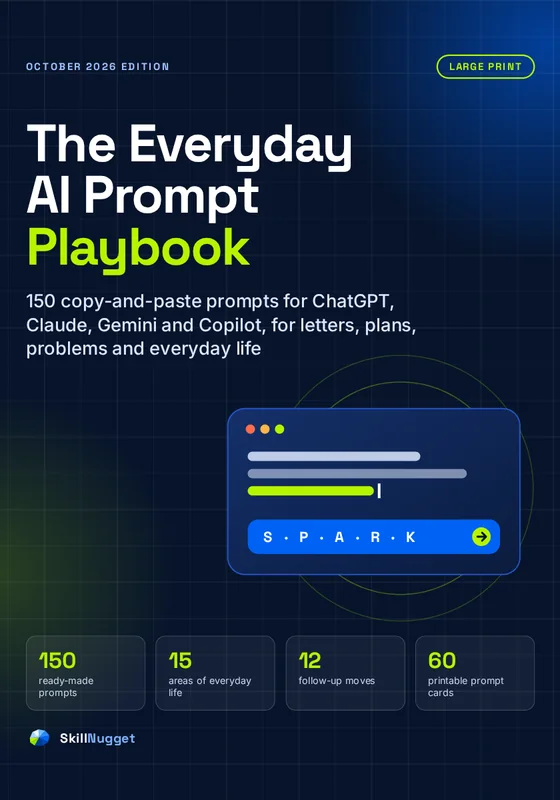
Our paid guide, The Everyday AI Prompt Playbook, teaches the full five-part SPARK method and twelve follow-up moves, with 150 ready-made prompts for everyday life.

Lesson 5 · 5 minutes

Staying safe and private

What never to type, how to check facts, and how scammers misuse AI.

Never type or paste these

  • Passwords, PINs or the one-time codes sent to your phone
  • Card numbers, bank account numbers or security answers
  • Social Security, National Insurance, passport or other ID numbers
  • Other people's private details without their permission

Want help with a confusing letter? Great idea. Just remove names, addresses and account numbers first. Replace them with "XXXX". The explanation will be just as good.

Turn on the privacy setting

If you've signed in, you can stop your conversations being used to train OpenAI's models: go to Settings → Data controls and switch off "Improve the model for everyone" (as of October 2026). Other assistants have similar settings under Privacy or Activity.

Check before you trust

Ask yourself three questions before relying on an answer:

  1. Does it match what I already know?
  2. What happens if it's wrong? (The higher the stakes, the more you check.)
  3. Can I confirm it with a trusted source, such as an official website, the original document, a pharmacist or my bank?
AI and scams

Scammers now use AI to write convincing messages and even to imitate voices. The FBI suggests agreeing a secret word or phrase with your family to check that a caller is really them. And remember: nobody from OpenAI will phone you out of the blue, and no real AI assistant will ask you to pay in gift cards or to install software so it can "fix" your computer. Anything like that is a scam. Hang up, and contact the person or company yourself using a number you trust.

Lesson 6 · 5 minutes

Ten things to try this week

Real, everyday uses, with a prompt to copy for each one, and a 7-day plan.

Confidence comes from use. Try one of these each day this week. Copy the prompt, change the [brackets], and send.

  1. Understand a letter.
    Explain this letter in plain English: what it's about, what they want from me, and by when. [Paste the letter with personal details removed.]
  2. Plan tonight's dinner.
    I have [ingredients]. Suggest 3 dinners I can make in under 30 minutes.
  3. Write a tricky message.
    Help me write a polite message to [person] about [issue]. Keep it friendly and short.
  4. Get tech help.
    Give me step-by-step instructions to [make the text bigger] on my [phone model]. One step at a time, and wait for me to say done.
  5. Learn something.
    Teach me about [topic] in 5 minutes, then ask me 3 questions to check I understood.
  6. Check a suspicious message.
    Does this message look like a scam? List the warning signs. [Paste it, without your details.]
  7. Plan a day out.
    Suggest a relaxed day out near [town] for [who], with lunch and not too much walking.
  8. Write a card.
    Write 3 birthday card messages for my [relationship], who loves [things]. One funny, one warm, one short.
  9. Make a decision.
    I'm deciding whether to [decision]. Ask me 3 questions, then make me a pros and cons table.
  10. Save a memory.
    Interview me about [my first job / my childhood home]. Ask one question at a time. Don't invent anything.

Your 7-day starter plan

DayTryTime
1Starter 1 from Lesson 3, plus "simpler words"5 min
2Number 2: tonight's dinner5 min
3Number 3: a message you've been putting off10 min
4Number 4: one tech task, one step at a time10 min
5Number 5: learn something, and answer its quiz10 min
6Number 6: check a message (or an old one from your spam folder)5 min
7Your choice, using the magic sentence10 min
Where next?

When you're ready for more, The Everyday AI Prompt Playbook gives you 150 ready-made prompts for letters, paperwork, travel, cooking, family, tech help and staying safe, plus the SPARK method for writing your own.

What you'll be able to do

In 30 minutes, you'll be able to

  • Find the real ChatGPT and avoid the copycat apps that charge subscriptions (Lesson 2).
  • Have your first useful conversation with three starter prompts (Lesson 3).
  • Get better answers with situation + purpose and five follow-ups (Lesson 4).
  • Stay safe and private with three simple rules and one privacy setting (Lesson 5).
  • Use it for real life this week with ten ready-made prompts and a 7-day plan (Lesson 6).
  • Spot AI scams and know what no real AI company will ever ask you for (Lesson 5).

Keep it

Get the free PDF and cheat sheet

Everything a beginner needs for a confident, safe start with AI, free to read here, with a PDF and a one-page cheat sheet to keep.

Free course · 6 lessons · read online or as a PDF

ChatGPT in 30 Minutes

Free
  • The course as a PDF · PDF · 17 pages · large print
  • ChatGPT Cheat Sheet · Printable PDF · 1 page
Get the free PDF

No payment, no cardRead anywhere, or print

Good questions

Questions people ask

Is ChatGPT free?

Yes, there is a free plan with daily limits, which is enough for everything in this course. Paid plans add more use and newer features; check current prices on chatgpt.com, as they change and vary by country.

Do I need to create an account?

You can try ChatGPT on chatgpt.com without an account. A free account keeps your conversation history and unlocks more features. You can sign up with an email address or an existing Google, Microsoft or Apple account.

Is ChatGPT safe to use?

It is safe to use with sensible habits: never type passwords, card or ID numbers, remove personal details before pasting documents, turn off model training in Settings → Data controls if you prefer, and check important facts with an official source.

Can ChatGPT be wrong?

Yes. It can state false information confidently and can be out of date. Use it to draft, explain and organize, and verify anything important, especially dates, money, health and legal rules.

Does this course work with Claude, Gemini or Copilot?

Yes. Every prompt and tip in this course works the same way with Claude, Google Gemini and Microsoft Copilot.

Can I keep a copy of the course?

Yes. The course is also available as a free PDF with a one-page cheat sheet. Type your email address and we send you a sign-in link to your SkillNugget library, where both files are waiting. No payment, no password.

Keep learning

Goes well with

Coming soon
Digital life & safetyAI Scam ShieldSpot voice clones, fake messages and AI scams before they cost youSkillNugget
Digital life & safetyAI Scam ShieldSpot voice clones, fake messages and AI scams before they cost you
Free guide · in the works

Keep what you learned

Get the whole course as a PDF, plus the one-page cheat sheet, free. When you are ready for more, The Everyday AI Prompt Playbook has 150 ready-made prompts.

ChatGPT in 30 Minutes is free general education. AI assistants can make mistakes; check important facts with an official source. Prices and features of AI apps change often and were checked in October 2026. ChatGPT is a trademark of OpenAI; Claude, Gemini and Copilot are trademarks of Anthropic, Google and Microsoft. SkillNugget is independent and not affiliated with or endorsed by any of them.